
Inputs and displays
Switch
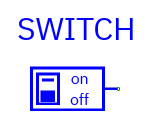
Pin: Z output, normally one bit. Initial value comes from Properties.
During simulation click the switch to toggle 0/1. A fresh run restores its
configured initial value.
Use for reset, enable, mode, and other manual controls. On active-low inputs a switch at zero asserts the control; the LC-3's RESET_N is an example.
DIP switch
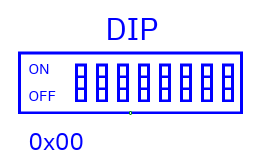
Pin: Z output, configurable bus width; default eight bits. Set a decimal
or 0x initial value before simulation.
During simulation click the DIP to open a hex value dialog. Enter digits
such as AB or 0xAB, then Apply. The value must fit the bus, including widths
above 64 bits. The simulator pauses for input entry; resume when ready. Use
Properties in Edit to change the saved initial value.
Ground and Vdd
| Component | Symbol |
|---|---|
| Ground | 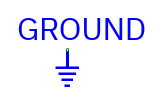 |
| Vdd | 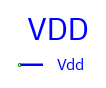 |
Pin: Z output. Ground supplies all-zero bits; Vdd supplies all-one bits at
the selected width. Use them wherever your circuit needs a digital constant.
Clock
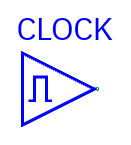
Pin: Z one-bit output. Set period, phase delay, and high-duty percentage
(1–99) in Properties. Period must be at least 2 ns.
The clock starts low. Its first rising edge occurs after phase + low interval. High time is period×duty/100 rounded down and clamped to at least 1 ns and at most period−1; low time is the remainder.
Example: period=100 ns, phase=10 ns, duty=25% → rising at 85 ns, falling at 110 ns, rising at 185 ns. Default duty is 50%.
Press Tab to advance one period of the fastest clock in the running hierarchy. Play advances simulation time. See simulation.
LED
| Component | Symbol |
|---|---|
| Bit LED | 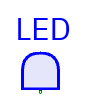 |
| Bar graph | 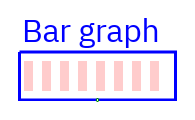 |
| Direct seven-segment | 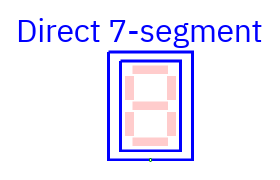 |
| Hexadecimal digits | 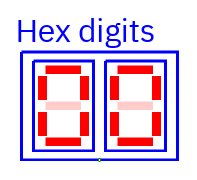 |
| Decimal digits | 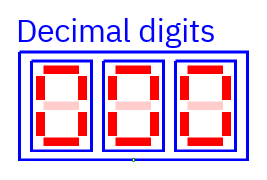 |
Pin: I input. LEDs display the value on their input. Double-click in Edit
or select/Enter to choose Display type.
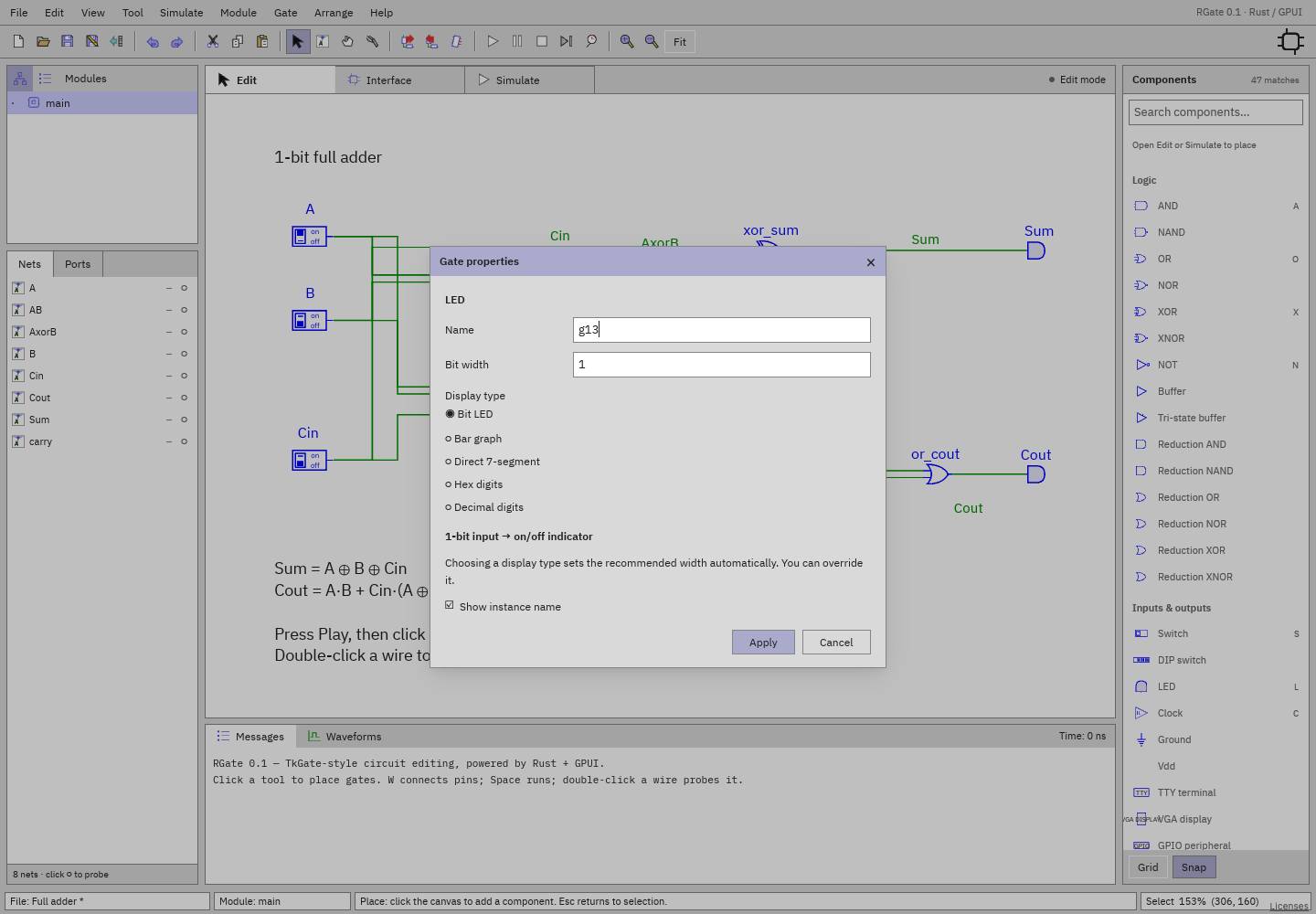
| Mode | Meaning | Recommended width |
|---|---|---|
| Bit LED | On/off indicator; first bit drives the lamp | 1 |
| Bar graph | One light per bit; most-significant on left | 8 |
| Hex digits | One seven-segment digit for each four bits | 8 (two digits) |
| Decimal digits | Unsigned value, enough digits for the full width; leading zeros retained | 8 (three digits) |
| Direct 7-segment | Seven input bits independently drive each digit's segments | 7 (one digit) |
Selecting a mode on an unwired LED applies the recommended width. Properties shows the resulting lights/digits. You can override width before wiring. Selecting a mode on a wired LED preserves bus width.
Direct segment map for each seven-bit group:
          bit 0
       ┌────────┐
 bit 1 │        │ bit 2
       ├────────┤  ← bit 3
 bit 4 │        │ bit 5
       └────────┘
          bit 6
The low seven bits drive the rightmost digit; additional groups appear to its left. Hex groups also start with the low nibble on the right. For an incomplete high digit, bits outside the bus are zero.
Classic on/off segments are red/pale red; X is gray and Z amber. Other themes use their palette. Floating and unknown bits are shown explicitly in the display. LEDs rotate with the component. Choose the display mode in Properties.
GPIO peripheral
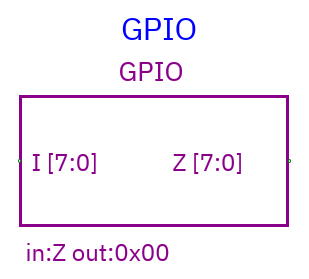
Pins: I input and Z output, both at configured width (default eight). Z
starts at the initial value. Click during simulation to increment it modulo its
width. The component shows incoming I and outgoing Z values.
Use Z to drive a circuit and I to watch a signal. Configure the initial value in Properties, then change it interactively during simulation.
For a text terminal, use TTY.